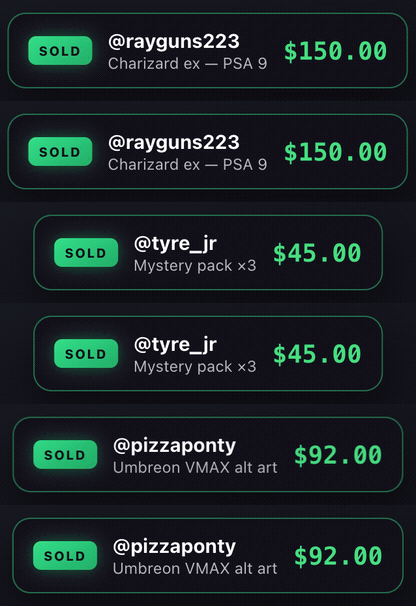
Just sold
A sold card pops the moment someone wins, with the buyer and the price.
$14.99Overlay Deck puts a live buyers leaderboard on your stream. Every sale updates it instantly, so your chat can watch the race for number one.
Built for Whatnot. Runs on macOS and Windows through OBS, signed and notarized so it installs without warnings.
Each one is a browser source you drop into OBS once. They read your real stream data, so nothing is typed in by hand.
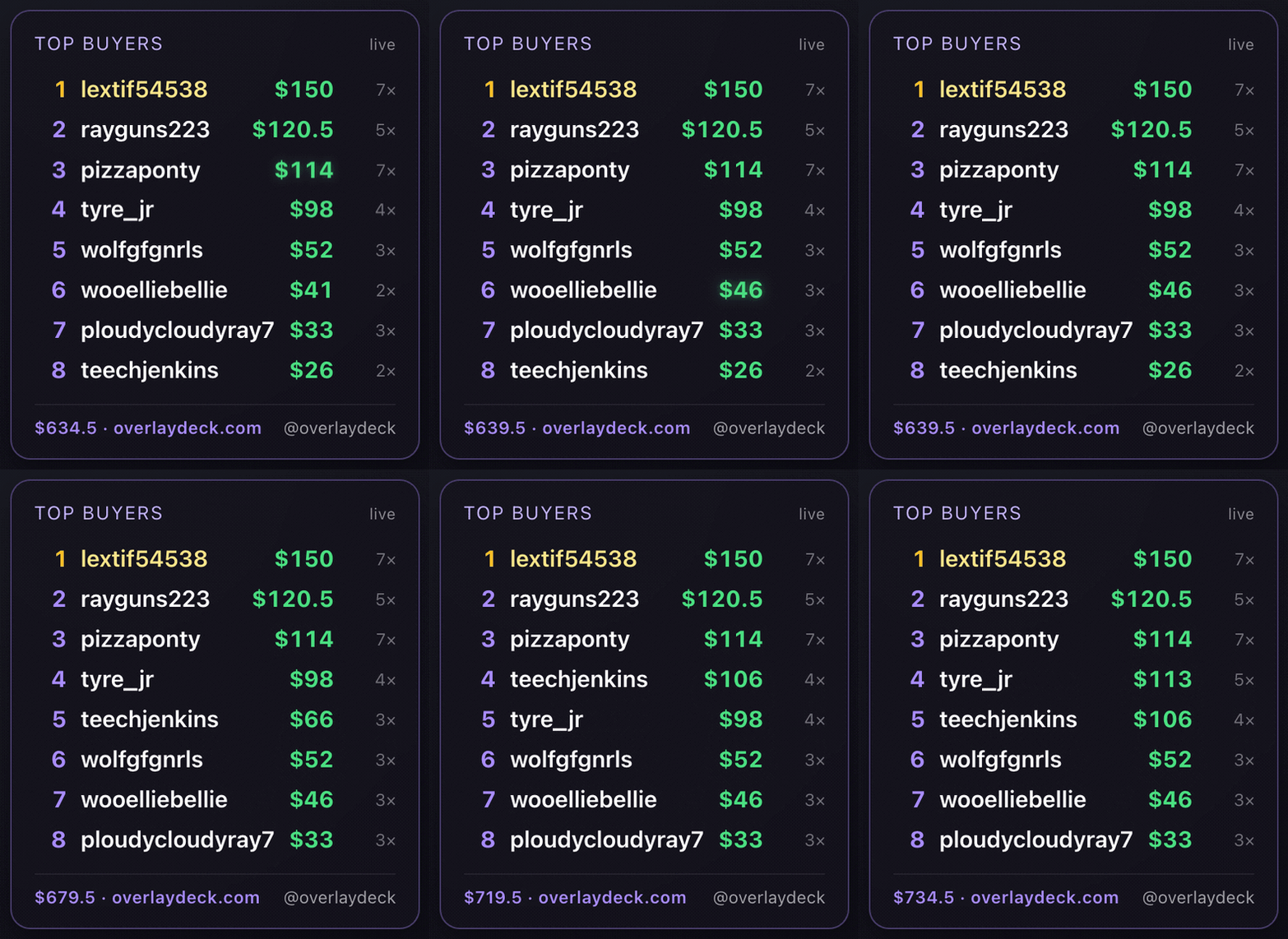
Ranks buyers by what they have spent and reorders itself as each card sells. Hide the dollar amounts or the sale counts if your room prefers that private.
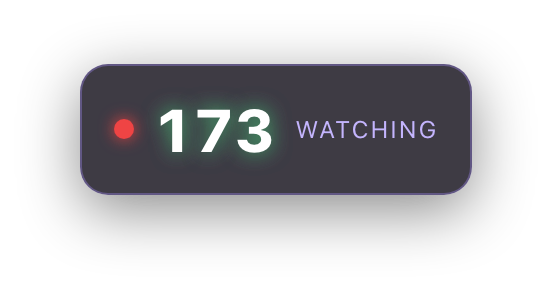
Your audience size on screen, updating as people come and go.
Live viewer count is in Core too. The five below are $14.99 each, one time, and all of them come with Lifetime.
A sold card pops the moment someone wins, with the buyer and the price.
$14.99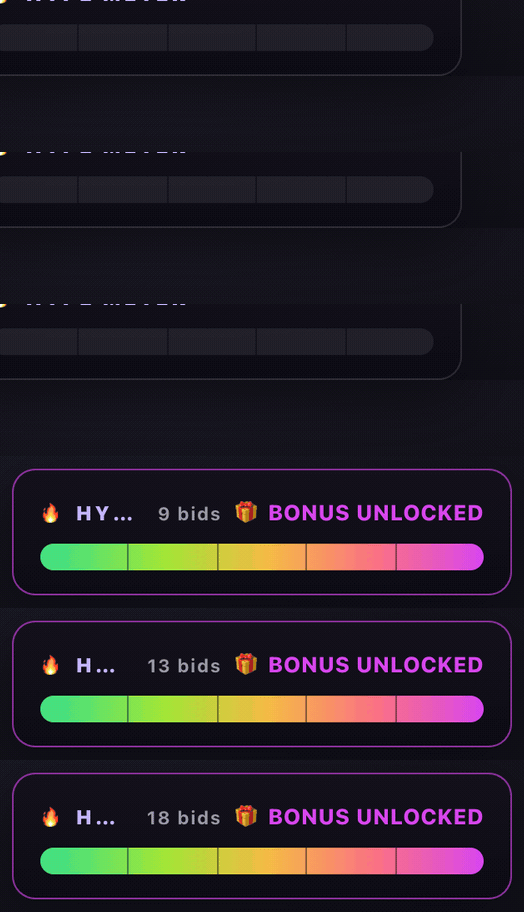
Fills as bidding speeds up, so the room can feel the pace.
$14.99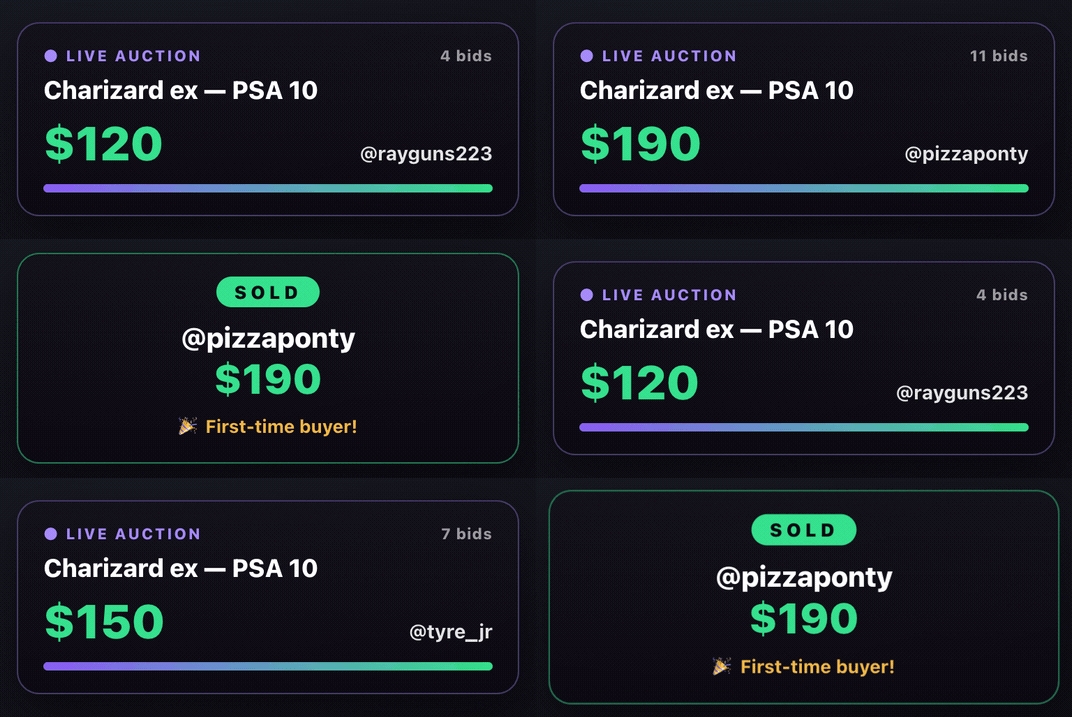
Shows the winner and the final price as each card closes.
$14.99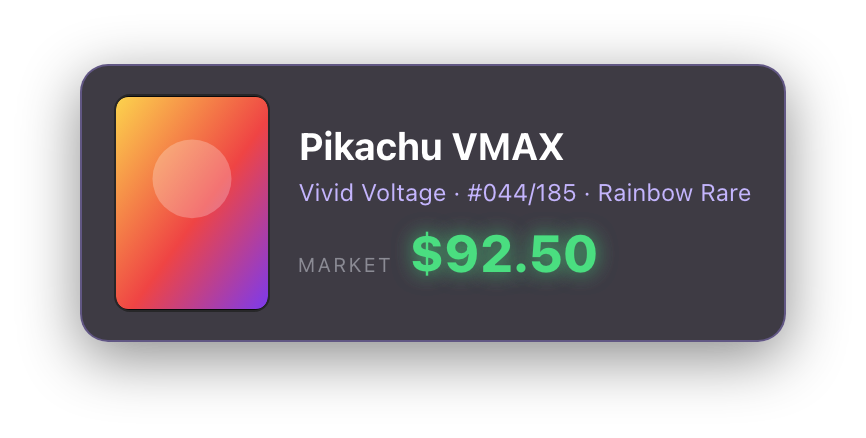
Puts a card's market price on screen while you hold it up.
$14.99
Your logo drifting over the stream, so clips stay branded.
$14.99The desktop app shows your live stats, ranks your buyers, comps cards, and puts any overlay into OBS in one click. All in one window.
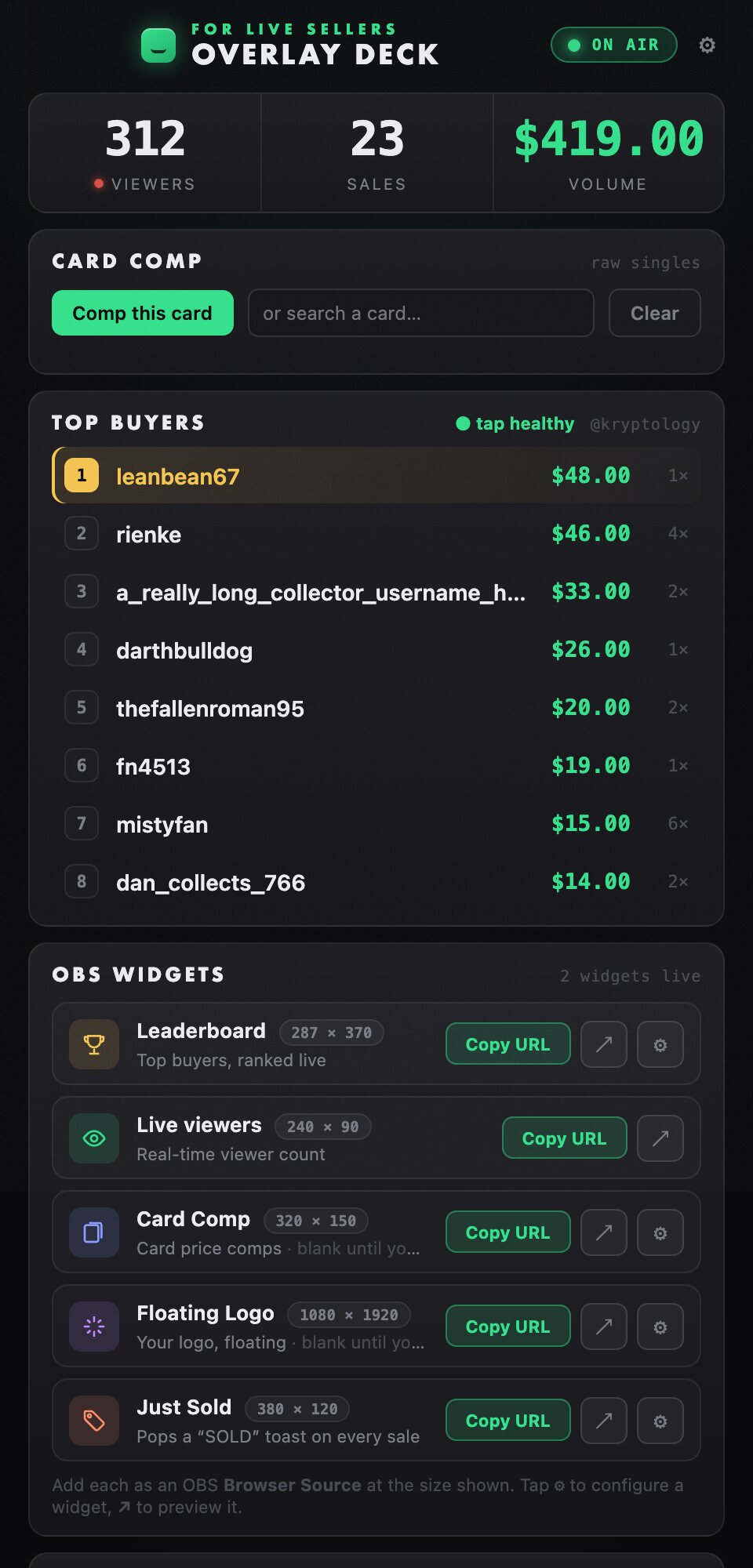
Mid-show, put a card's market value on screen without breaking your flow. It reads the frame from OBS, so it works whatever platform you stream to.
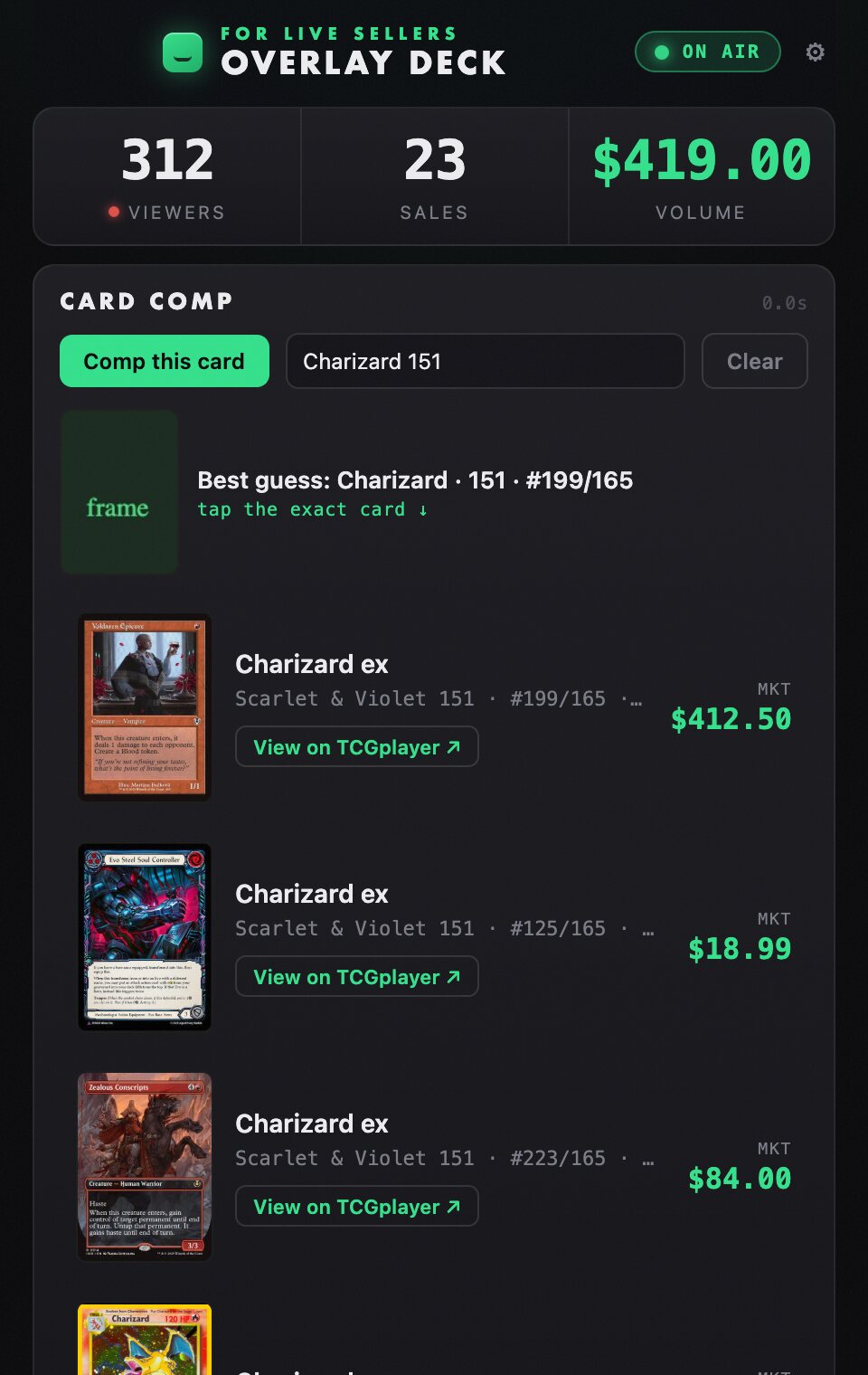
Show the card to your camera and hit Comp this card, or type a name to search.
It reads the frame and pulls the closest cards with live market prices. Tap the right one.
The price drops into your Card Comp overlay in OBS and your viewers see it straight away.
You bring your own API keys, so pricing stays accurate and yours.
A Chrome extension reads your stream's live data. A desktop app turns it into overlays OBS can show. Everything runs on your own computer.
Picks up the live sales, bids and viewers from your Whatnot tab.
Builds clean overlay pages and gives you one place to control them.
One click sends each overlay into OBS. That is the whole setup.
Your buyer data never leaves your machine.
Tools like this break when the platform shifts. This one is built so it does not stay broken.
When Whatnot changes something we push a fix that every install picks up automatically, usually within minutes. No update needed.
A live health monitor tells us the moment the data tap stops working, often before you would notice.
Buyers, sales and viewers stay on your computer. Nothing about your audience is sent anywhere.
A regular night selling singles, with the buyers leaderboard up the whole time. It reorders itself as each card sells. No edits, no staged numbers, nobody typing anything in.
“We tested the Card Comp feature using two different Pokémon cards, and in both cases it successfully scanned the cards directly from our OBS camera feed, identified them correctly, and displayed the correct information on screen.”
“It's refreshing to work with a developer who is willing to improve the product based on real-world use cases.”
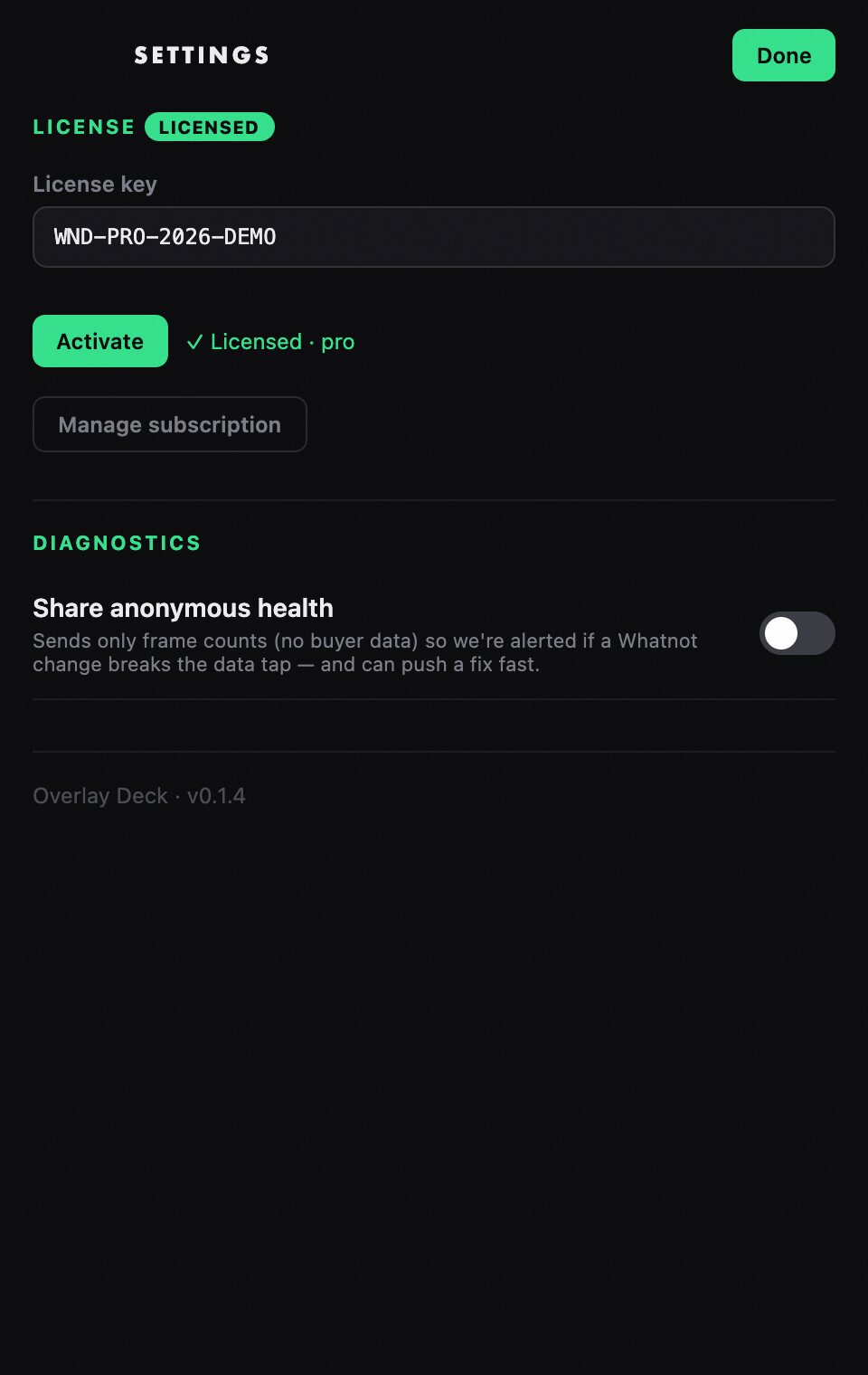
Every download starts with a free 7-day trial of everything, no card required. After that, pay once for every overlay forever, or start on Core and add what you need.
Individual overlays are $14.99 each, one time, and all of them are included with Lifetime. One license key activates one machine. Secure checkout by Stripe.